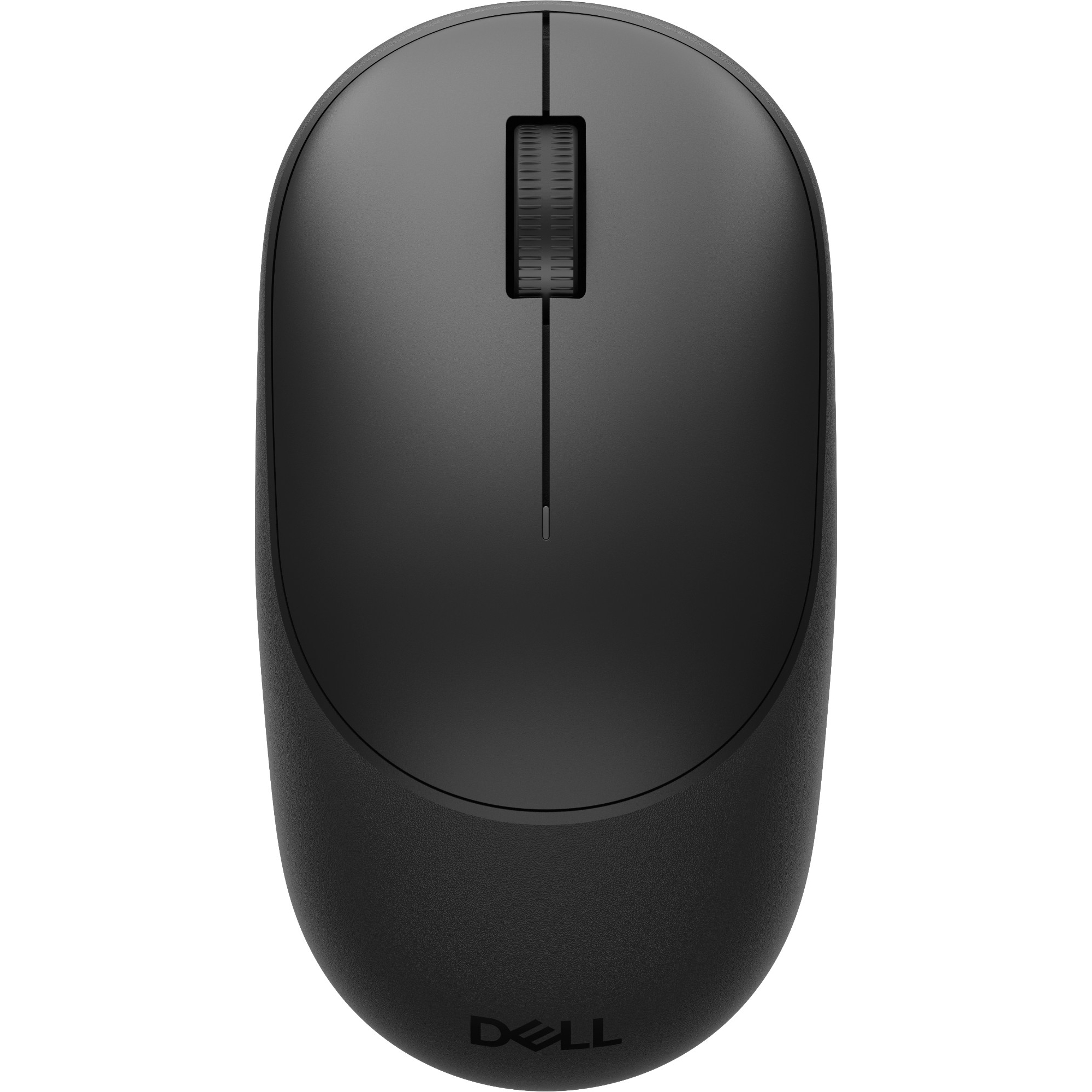
Dell
Dell Pro 5 MS526 Office Right-hand RF Wireless Optical 6000 DPI Mouse - Black
EAN 5397184963029 · Model MS526-BLK-EMEA
£16.88 at Laptop Outlet — £2.11 (11%) less than the next cheapest retailer, Back to the Office.
Compare 2 retailer prices
Laptop OutletCheapest
In stock · 3-5 days
£16.88View at Laptop OutletBack to the Office
In stock · 3-5 working days
Specifications
- model number
- MS526-BLK-EMEA
Full specifications
Office Optical 6000 DPI Black. Ambidextrous RF Wireless 10 m. Scroll type: Wheel Buttons quantity: 3. Power source: Batteries. 1 AA Alkaline. Symmetrical mouse that is designed for comfort with up to 6K DPI, smoother glide, and industry-leading battery life.. Mouse. Purpose. Office. Device interface. RF Wireless. Movement detection technology. Optical.
Movement resolution. 6000 DPI. Scroll type. Wheel. Number of scroll wheels. 1. Scrolling directions. Vertical. Buttons quantity. 3. Programmable mouse buttons. Yes. Number of programmable buttons. 3. Customizable movement resolution. Yes. Frequency band. 2.4 GHz. Design. Form factor. Ambidextrous. Product colour. Black. Material. Plastic. Ergonomics.
Wireless range. 10 m. Power. Power source. Batteries. Number of batteries supported. 1. Battery type. AA. Battery technology. Alkaline. USB Type-C charging port. No. System requirements. Windows operating systems supported. Yes. Mac operating systems supported. Yes. Linux operating systems supported. Yes. Mobile operating systems supported. Android, iOS.
Other operating systems supported. ChromeOS. Operational conditions. Operating temperature (T-T). 0 - 40 °C. Storage temperature (T-T). -40 - 65 °C. Storage relative humidity (H-H). 0 - 95%. Weight & dimensions. Width. 61.7 mm. Depth. 115 mm. Height. 39.4 mm. Weight. 81.15 g. Packaging data. Quantity per pack. 1 pc(s). AC adapter included. No. Packaging content.
Receiver included. Yes. Wireless receiver interface. USB Type-A. Sustainability. Post-consumer recycled plastic. 78%. Other features. Connectivity technology. Wireless. Dell Pro 5 Mouse MS526 User’s Guide